Ask Claude Code
In the desktop app, the Ask page lets you ask Claude Code about your job search, in your own words, without leaving jobdork. It answers from your job posts, your resume and your applications, through jobdork's tools, and can save a document to a job post or suggest an addition to your resume for your OK.
Turning it on
Ask is off until Claude Code is installed and is one of your readers on the AI page. Until then Ask is dimmed in the menu, and its page says what is missing, with Open the AI page to go there:
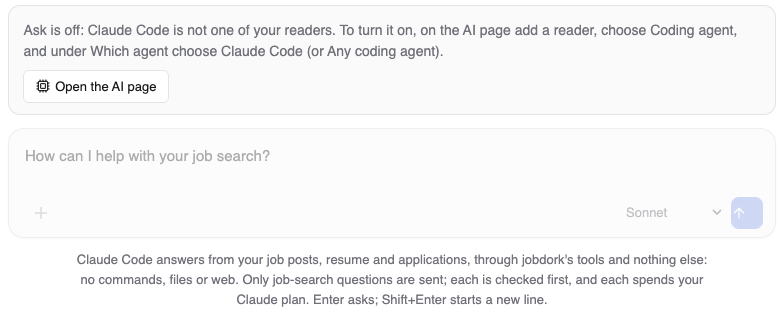
To turn it on:
- Install Claude Code and sign in to it.
- On the AI page, under Readers, add a reader and choose Coding agent.
- Under Which agent, choose Claude Code, or Any coding agent. Save.
You do not need to run claude mcp add for Ask: jobdork starts Claude Code
with its tools itself. That command is for typing in Claude Code's own chat
(Coding agent).
Ask stays off when Claude Code is your checker. A checker does not write, and Ask has Claude Code answer and save documents.
Asking
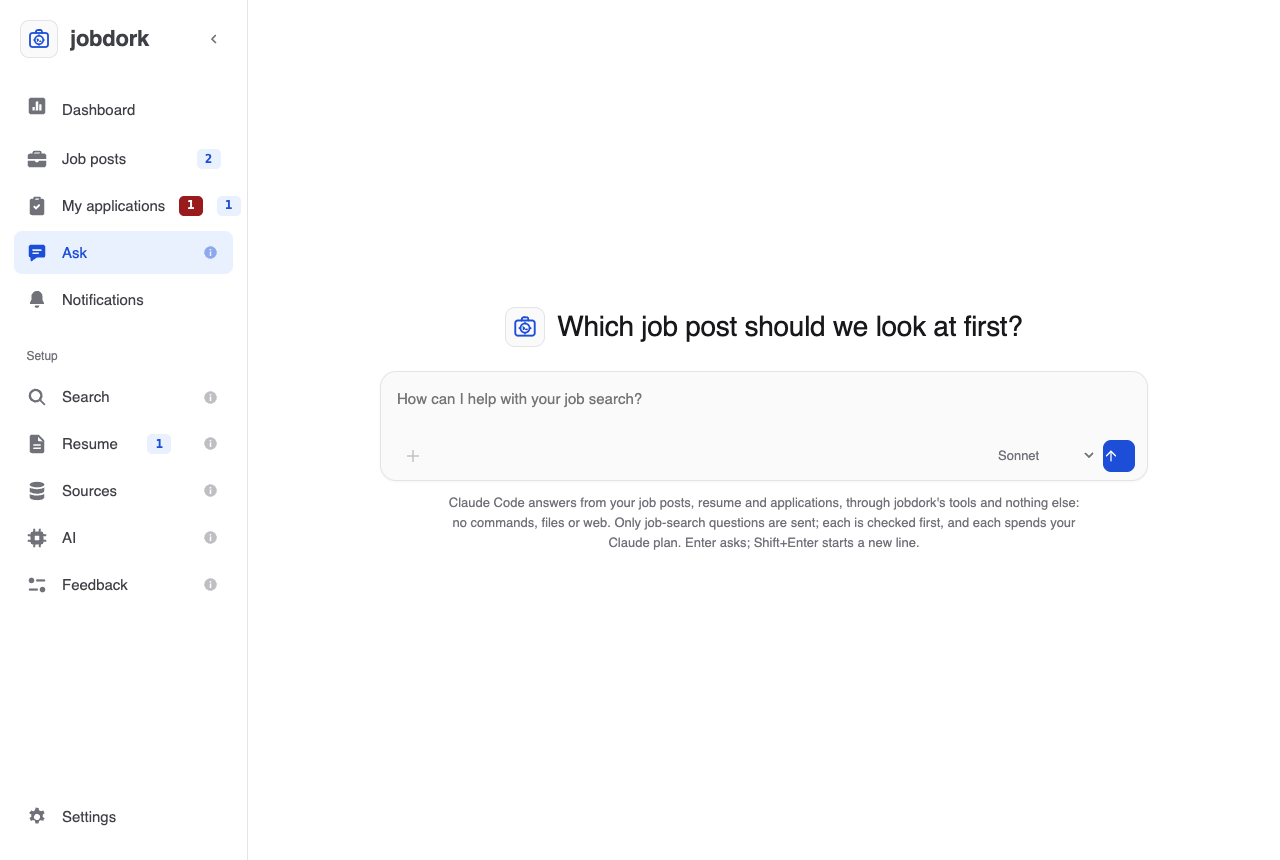
Before the first question, the page shows the jobdork mark and a line picked at random for each conversation, such as Which job post should we look at first?, over the box. Type a question in the box and press Enter (or the arrow button); Shift+Enter starts a new line. For instance:
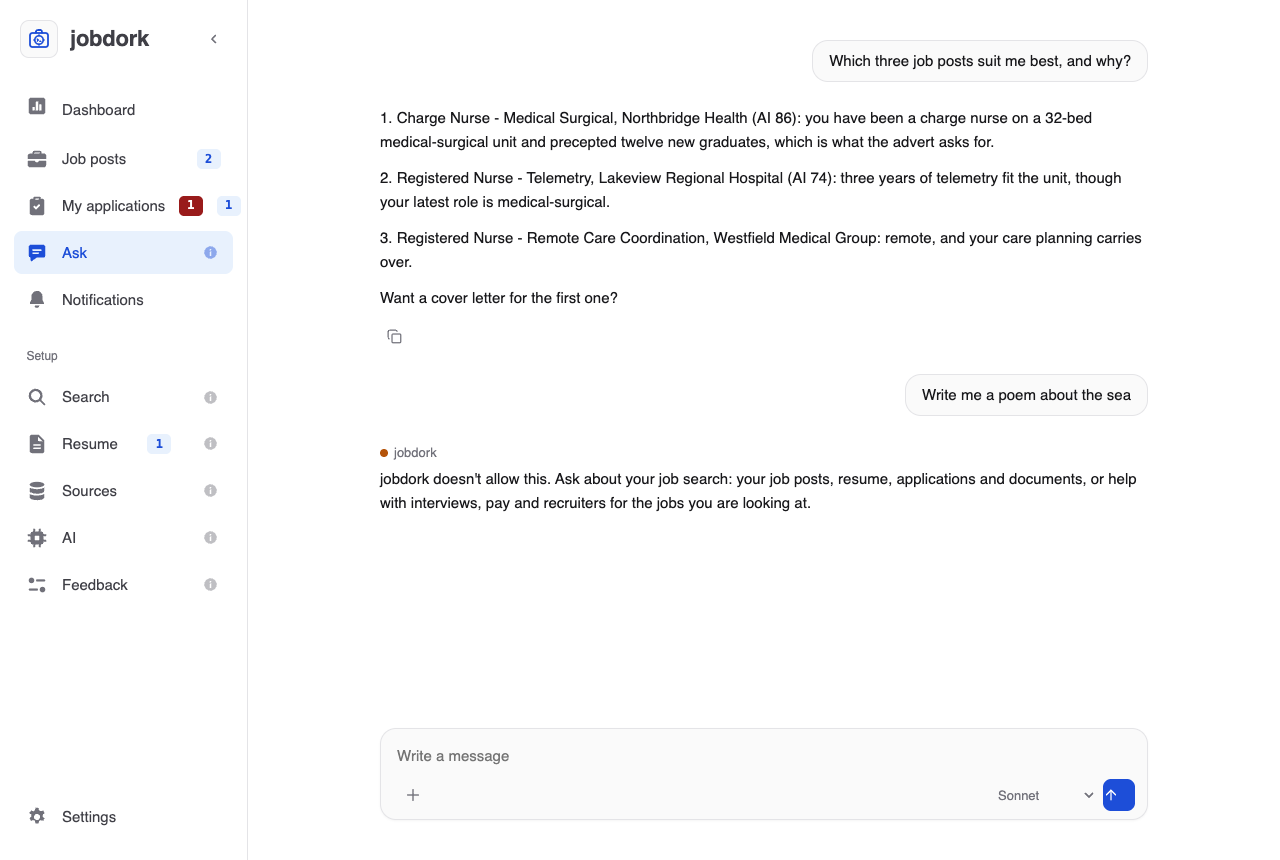
- Which three job posts suit me best, and why?
- Write a cover letter for the Northbridge Health job post.
- What should I add to my resume for the telemetry jobs?
- How do I answer "what are your salary expectations" for the charge nurse role?
- Which of my applications need a follow-up this week?
Once you ask, the page becomes the conversation: your questions on the right, the answers under them, each with a Copy button, and the box at the bottom for the next one. While it works, the page says what it is doing ("Reading your job posts"), and the square button stops it. Ask a follow-up ("yes, write it") and it carries on from the last answer. The + in the box starts a new conversation.
Choosing the model
The menu in the box chooses the Claude model that answers: Sonnet, Opus, Haiku, or Default model, the one Claude Code uses when none is named. Your choice is kept for next time. It can change between questions of the same conversation. The check before each question always uses Haiku, whichever you choose.
Your other readers and checkers
Ask does not go through the other readers and checkers on the AI page. It is Claude Code itself, on your Claude account, answering with jobdork's tools; the AI page's models keep doing what jobdork asks for itself (judging job posts, writing documents from a job post's AI tools). A document Claude Code saves from Ask still gets every check a document gets, including the hallucination check by a checker model when one is set.
What it saves shows where jobdork's own AI work does: a document on the job post, a resume addition under Suggestions waiting for your OK, a status on My applications.
Only job-search questions
Ask is for your job search and nothing else. Every question is checked before it is sent, and anything else gets:
jobdork doesn't allow this. Ask about your job search: your job posts, resume, applications and documents, or help with interviews, pay and recruiters for the jobs you are looking at.
Allowed: your job posts, resume, applications and documents in jobdork, and help with the search itself for the jobs you are looking at: interview questions, pay and negotiation, answering a recruiter, a career change, how to use jobdork.
Not allowed: anything else, such as writing code, homework, general knowledge, news, stories, translation, other people's personal information, or anything on your computer outside jobdork. A question that mixes the two is refused whole; ask the job-search part on its own.
How it is kept to that:
- A check before sending. A small, quick Claude model with no tools reads the question and decides. If it says no, the question never reaches Claude Code. If the check cannot answer, the question is not sent either, and the page says so: try again in a moment.
- Claude Code here has jobdork's tools and nothing else. No commands, no files, no web, none of your other MCP servers, and none of your own Claude Code settings, hooks or plugins. It is told the same rule and refuses the same way if a question turns out not to be about your search.
- jobdork's limits for coding agents still hold (see AI, Guardrails for your agent): documents an hour, resume additions waiting for your OK, job adverts treated as data.
- Hidden characters are removed from what you type, at most 2,000 characters a question, and at most 30 questions an hour.
What it needs, and costs
- The desktop app. Ask starts Claude Code on your computer, so a jobdork in Docker or on a server does not show it.
- Claude Code, installed and signed in, and chosen as a reader on the
AI page (Turning it on). Without it the page says what
is missing. Only Claude Code for now: Antigravity CLI (
agy) cannot be limited to jobdork's tools, so it still works the other way, from its own chat (Coding agent). - Your Claude plan. Each question spends it, a little more for the check. Your question, and what Claude Code reads through jobdork's tools, go to Anthropic under your Claude account; your email, phone and profile links are taken out of what it reads.
The conversation is kept in memory only: closing jobdork forgets it.